View the history
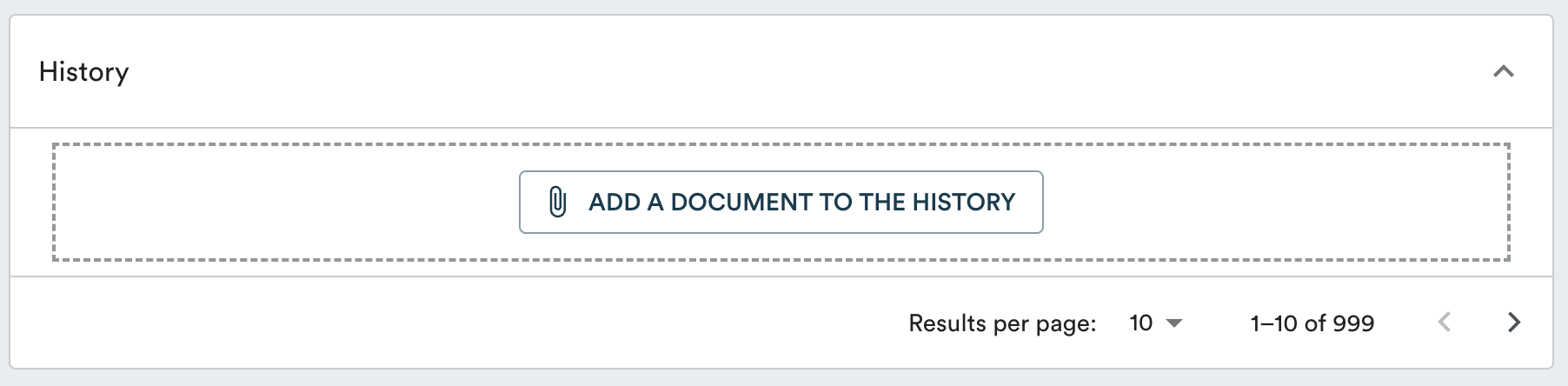
A document's history is accessible at the bottom of the document page, in the "History" section. Each previous version is automatically saved there when a document is updated.

Add a version to the history retroactively
If you want to document previous versions of a document:
-
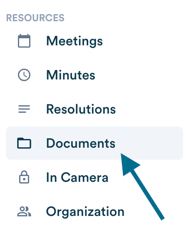
Open the document in the "Documents" tab and scroll to the bottom of the page.

-
Click on "Add a document to the history" or slide a document directly in the box.
-
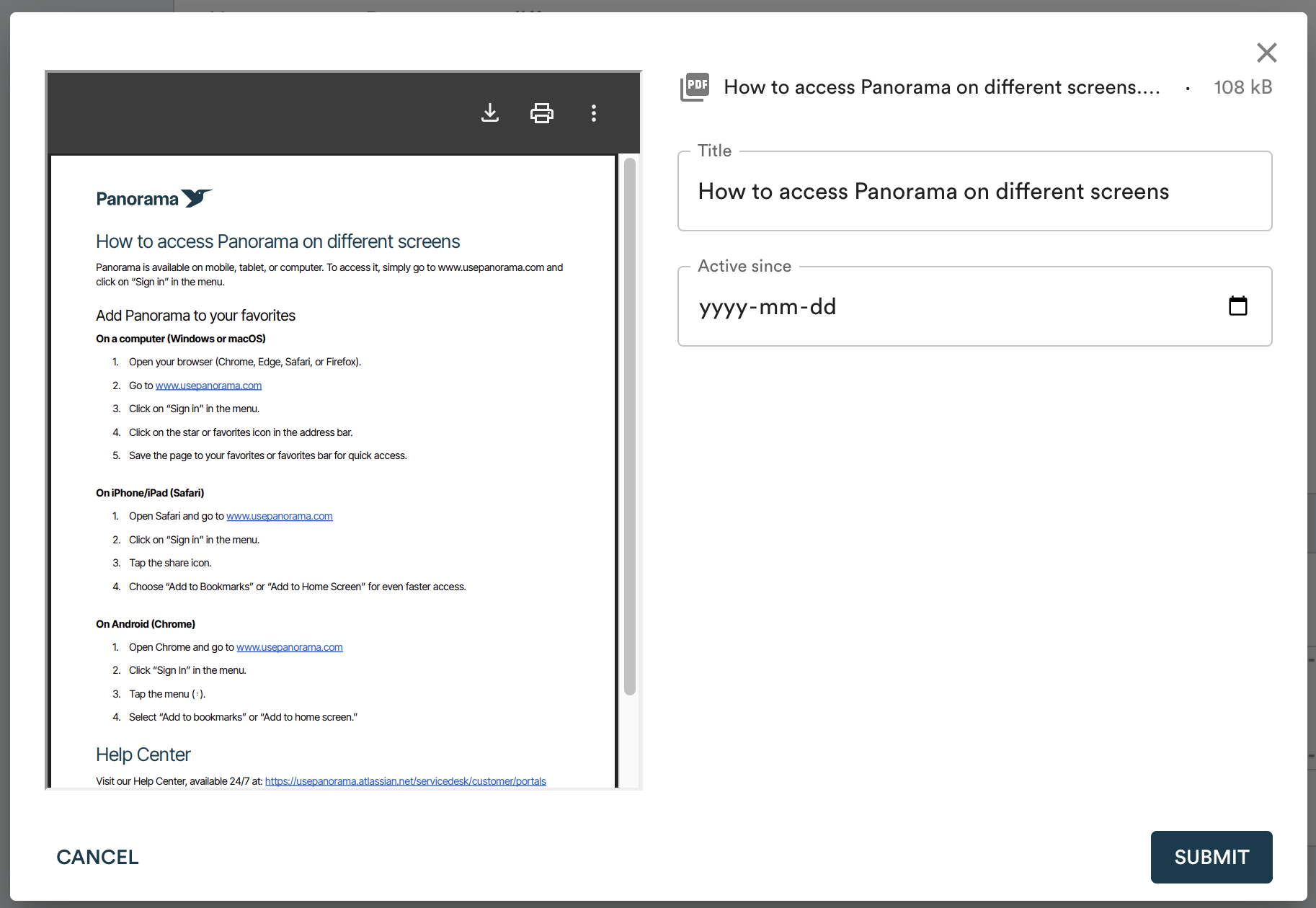
Select the file, then confirm the document title and the date from which it was active.