
Only members with agenda editing permissions can perform this action.
Once a meeting has started (after clicking "Write the minutes"), you can no longer delete the meeting directly. You will need to delete the minutes once the meeting is completed.
Learn more about how to delete minutes under review →
- In the left menu, click "Upcoming meetings".
- Open the relevant meeting.
- Click "Delete meeting" at the bottom left of the page.

- Type CONFIRM in the field provided, then click "Delete meeting".
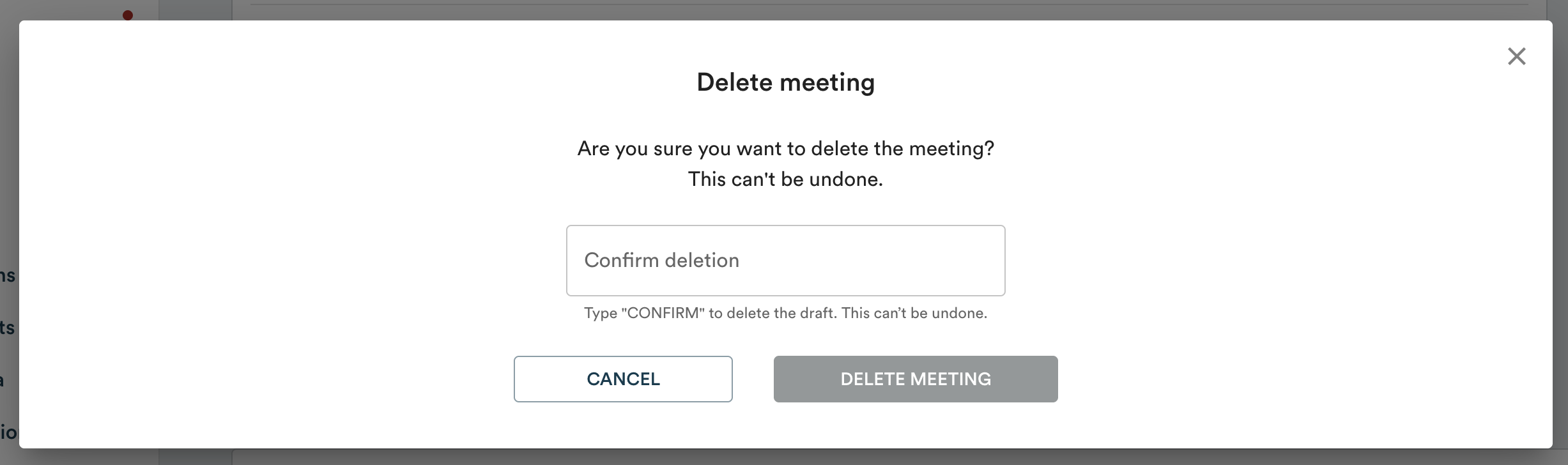
Note: this action is permanent. The meeting and its agenda cannot be recovered after deletion.