
Only members with access to review the minutes can perform this action. Sealed minutes cannot be deleted.
- In the left menu, click "To review".
- Click "Review" on the relevant minutes.
- Click "Delete minutes" at the bottom left of the page.
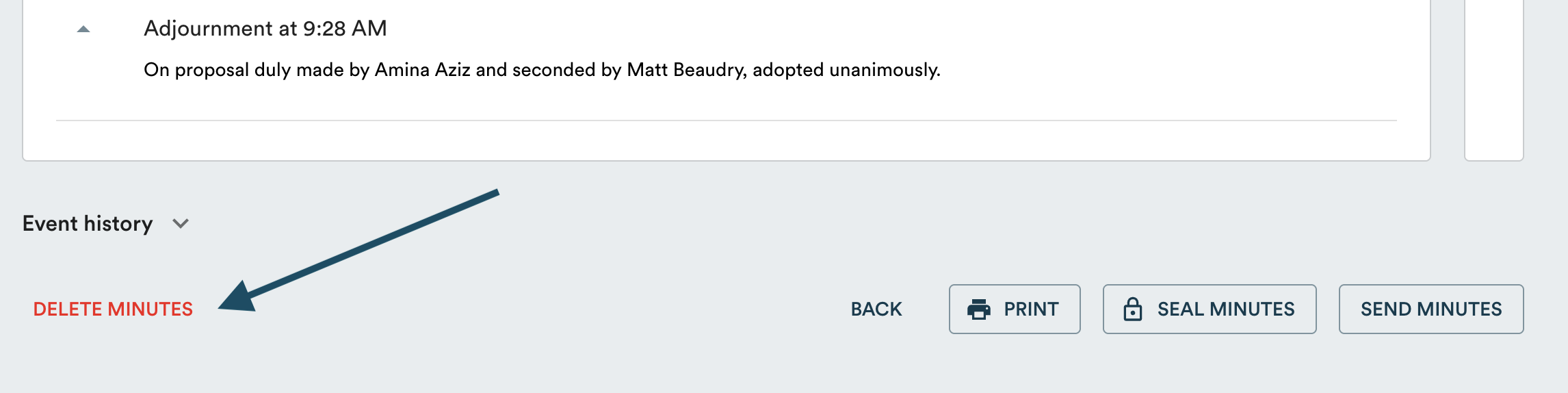
- Read the consequences listed in the confirmation window.
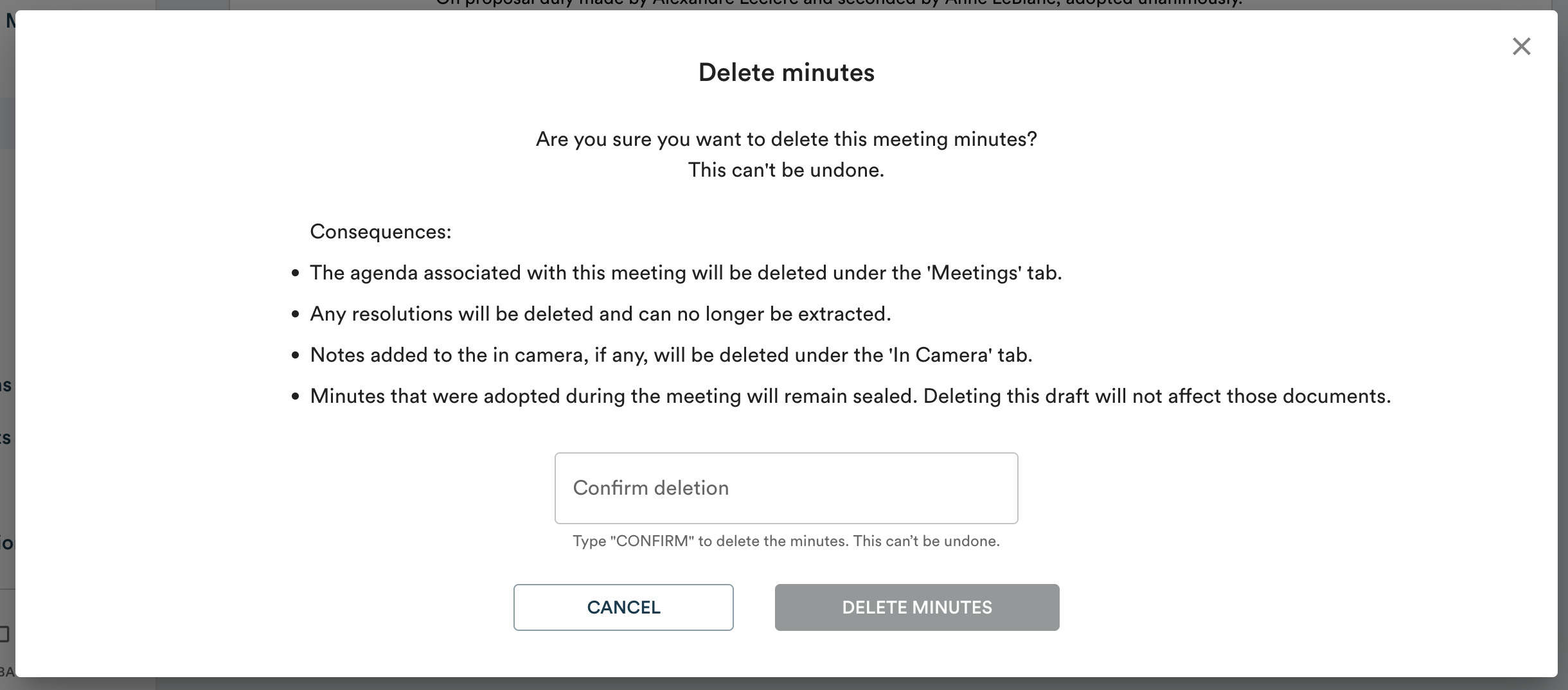
- Type CONFIRM in the field provided, then click "Delete minutes".
Consequences of deletion
Deleting minutes has the following effects:
- The agenda associated with the meeting will be deleted.
- All resolutions will be deleted and can no longer be retrieved.
- In camera notes, if any, will be deleted.
Note: minutes adopted during the meeting that are already sealed are not affected by this deletion.