
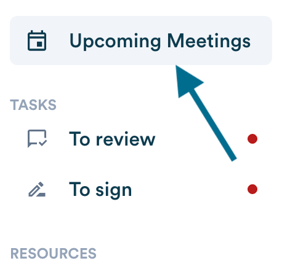
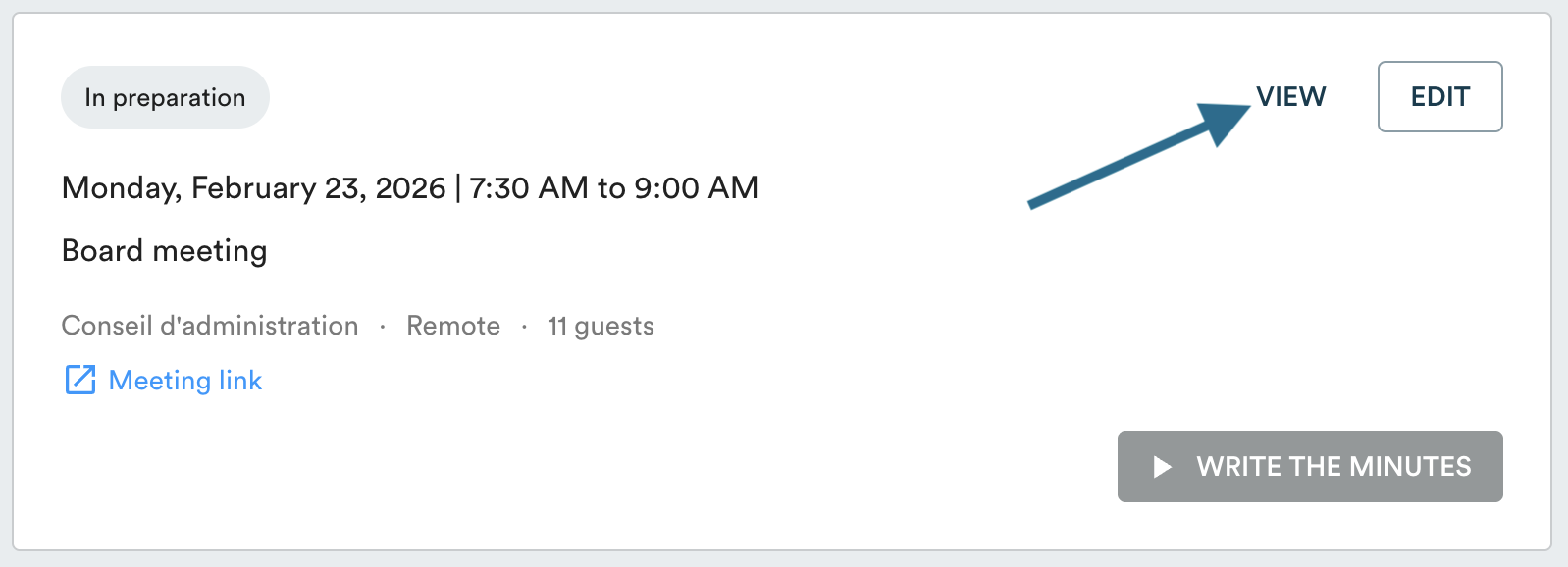
In your "Upcoming Meetings", click "View" to open the relevant meeting, then scroll to the bottom of the page.
To download the documents: click "Download all documents". The files will be compressed into a single ZIP file.
To download the agenda: the agenda is not included in the ZIP file. Click "Print" at the bottom of the page, then choose Save as PDF.

You can then send the full documentation package to your members.