
This feature is only accessible to members with editing permissions for minutes pending adoption.
You can seal minutes under the "To review" tab in order to send them for signature (if applicable) and file them under the "Minutes" tab.
In most cases, you will want to use this feature in the following situations:
-
The minutes were not sealed during adoption at a meeting, either because they were not associated with the "Past Minutes Adoption" topic, or because they were deliberately unchecked during adoption.
-
You do not wish to adopt the document at a meeting. For example, a committee report that does not need to be formally adopted.
Sealing the document
Under "To review", click "Review" on the document you wish to seal. Scroll to the bottom of the page, then click "Seal minutes".

Type "CONFIRM" to validate. Once the document is sealed, it can no longer be edited.
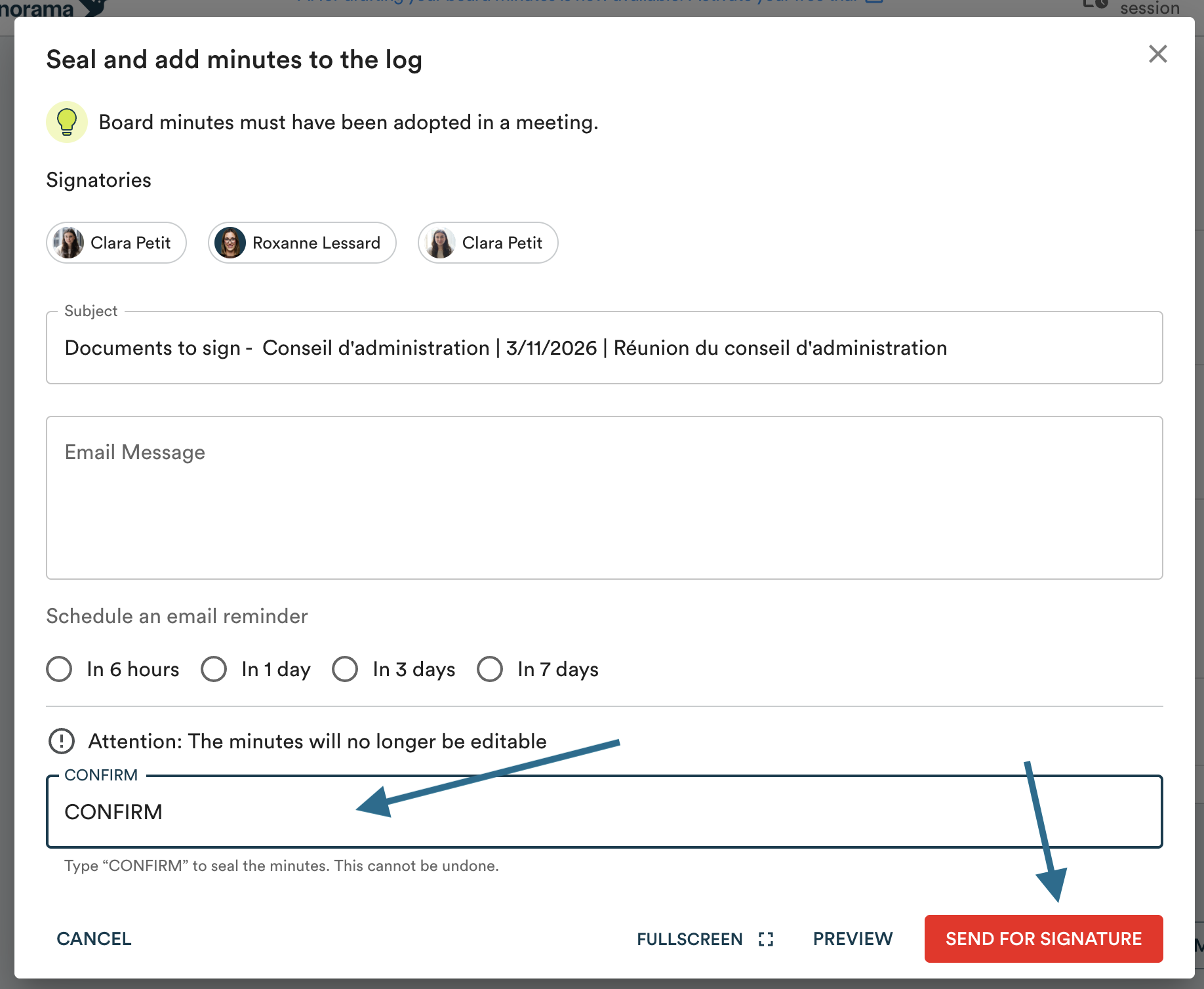
If the document requires a signature, you will have the option to send it for signature before confirming.