
Only account owners can perform this action.
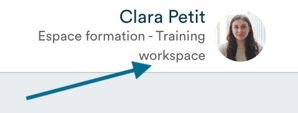
Click on your name in the top right corner of the software.
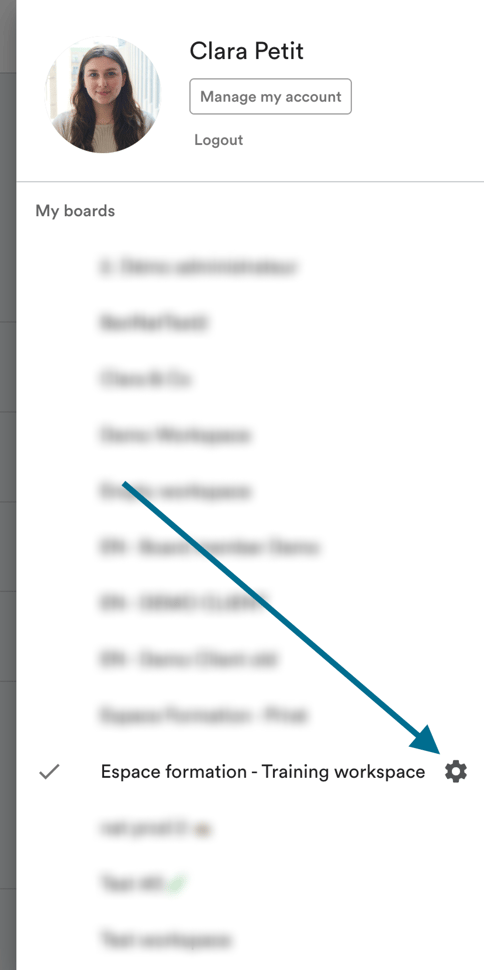
The menu displays all the Panorama workspaces you belong to. Click on the settings icon to the right of the relevant workspace.
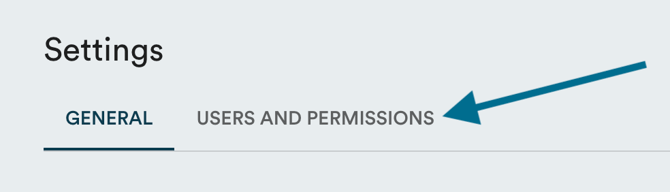
Click on "Users and permissions".
You will see the complete list of users with an account in your workspace.
To remove a user, click on the menu icon (the 3 dots) next to their name, then click "Delete".
