
Only members with creation permissions can reject a written resolution. This action cannot be undone.
- In the left menu, click "To sign".
- Open the relevant resolution.
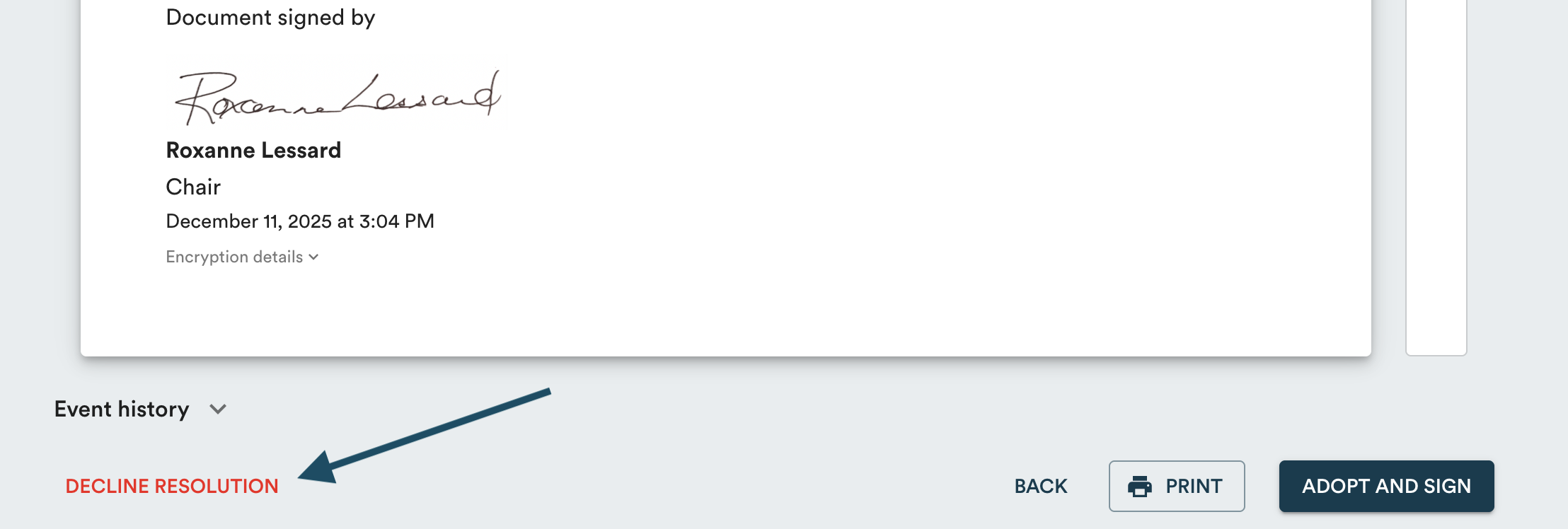
- Click "Decline resolution" at the bottom of the page.
- If you want to keep a record of the rejected resolution, enable the "Add the rejected resolution to the log" toggle.
- Click "Decline resolution" to confirm.

Learn more about how to adopt a written resolution →
Learn more about how to delete a written resolution draft →