
By default, MinutesIQ records adopted resolutions with the mover and seconder, but does not generate the formal resolution text (WHEREAS, BE IT RESOLVED, etc.). To have that text appear in your minutes, you need to include it in the context you provide to MinutesIQ before generating.
In the context field, paste the text of each resolution along with your participant list and agenda:
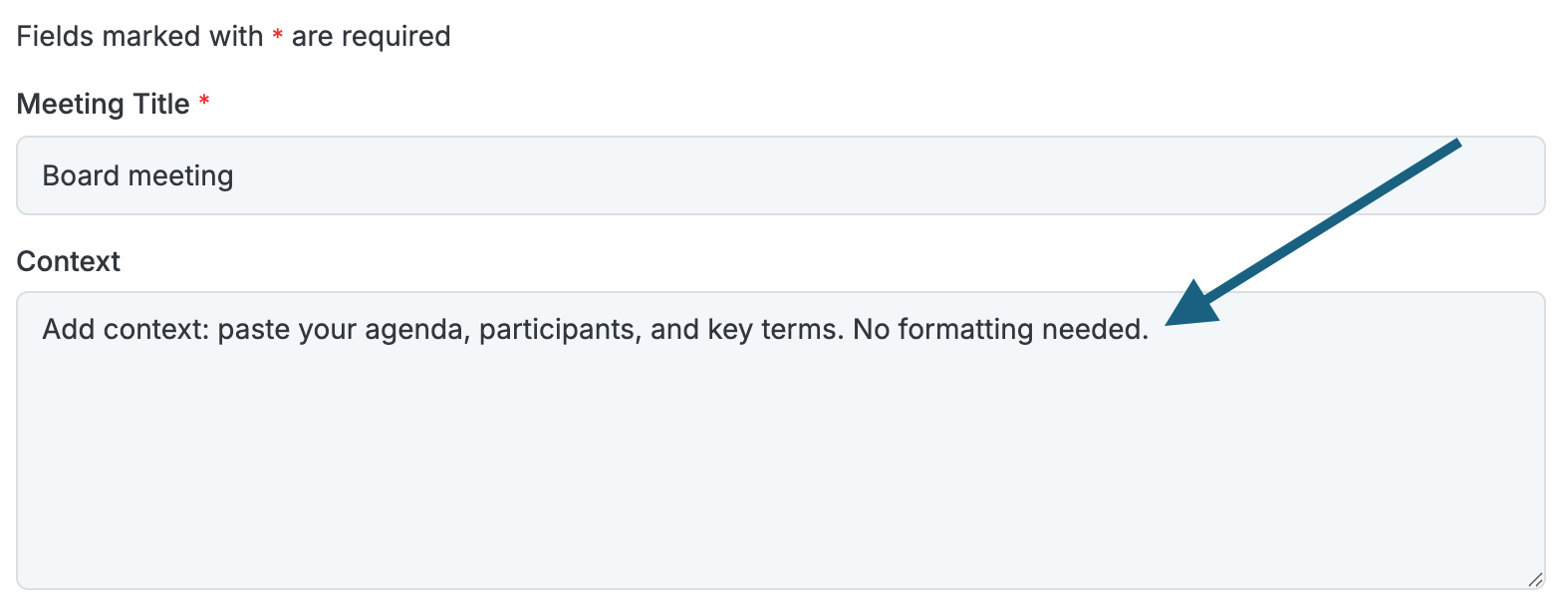
There is no required format — simply copy the text as it was prepared or adopted.
Note: if you run the generation without including your resolutions, you can add them manually in the minutes afterward.