
There are 2 ways to get meeting minutes with MinutesIQ:
-
MinutesIQ joins your Teams or Meet meeting as a participant. Click "Schedule Meeting".
-
You import a recording of a past meeting. Click "Upload Recording".
Meeting context
When you schedule a meeting or import a recording, MinutesIQ asks you for context.
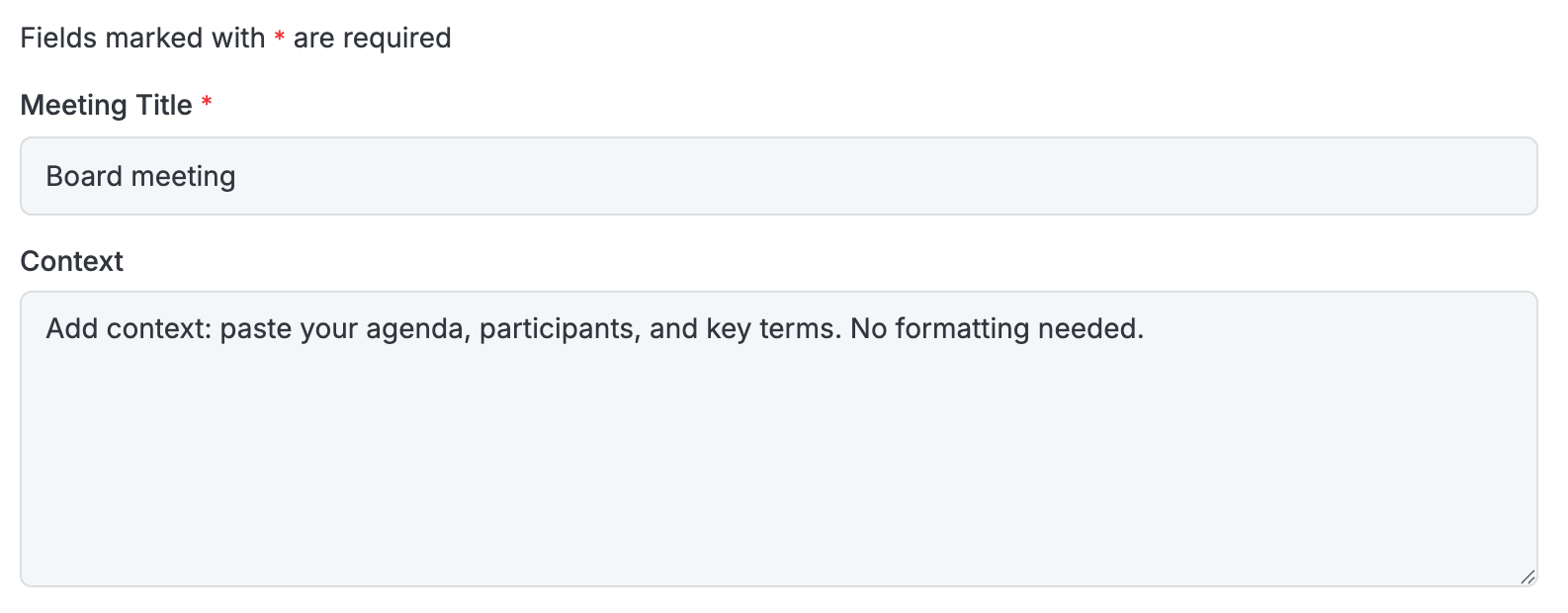
This text field is where you provide any relevant information. No formatting is required: even if the text you paste is imperfect or hard to read, MinutesIQ will know how to interpret it.
We recommend including:
-
The agenda
-
The names and roles of participants
You can also add, if useful:
-
A glossary of abbreviations frequently used in conversation
-
The text of resolutions to be adopted (inserted under the relevant agenda items)
-
Your drafting preferences; for example, if you'd like MinutesIQ to apply the principle of collegiality, meaning drafting exchanges without identifying who said what.