
If a commitment wasn't turned into a follow-up during the meeting, you can still do so from the minutes once they're drafted.
- Open the minutes in question and find the paragraph where the decision or commitment is recorded.
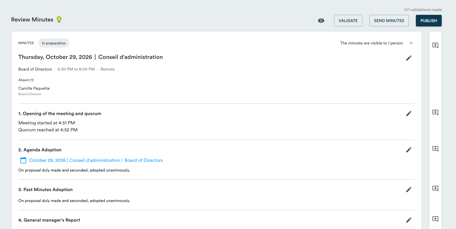
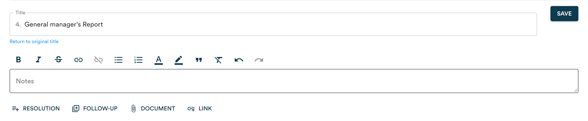
- Click the follow-up icon next to the paragraph.

- Fill in the follow-up description, then assign an owner and a due date.
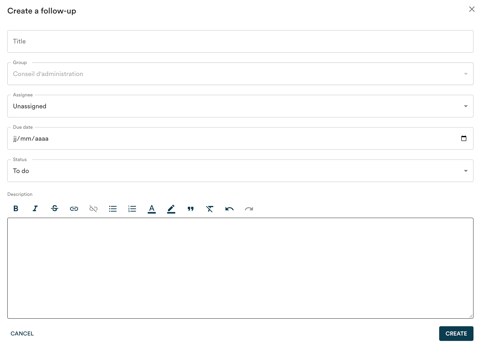
- Click "Create".
The follow-up is immediately added to your centralized follow-up list.
Note : this method works whether the minutes are still in draft or already adopted.