All your follow-ups, whether they come from a meeting, the minutes, or a manual entry, are gathered in a single centralized list.
- Go to the "Follow-ups" tab in the main menu.

- View the full list of your follow-ups, along with their owner, due date, and status.
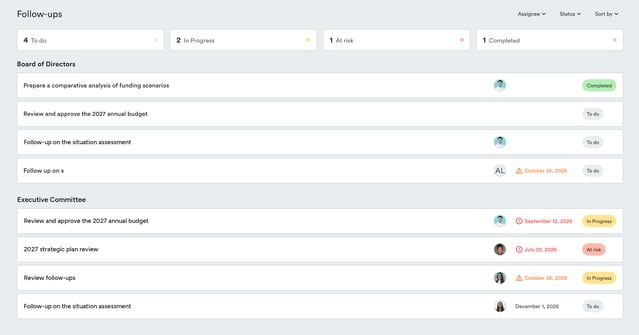
- Use the filters at the top of the list to display, for example, only your open follow-ups, overdue follow-ups, or those assigned to a specific person.

This same page also lets you :
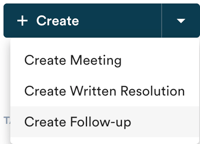
- Create a new follow-up manually
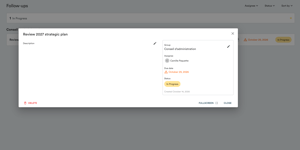
- Open a follow-up to edit it
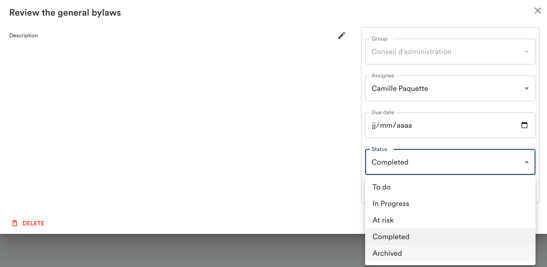
- Complete or archive a follow-up directly from the list