Go to usepanorama.com and click "Log in".
Enter your email address, then click "Continue".
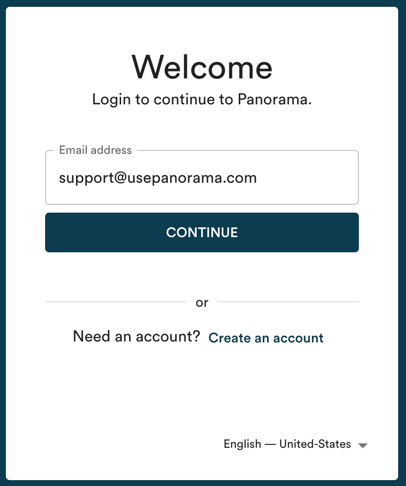
Important: use the email address associated with your Panorama account. If you no longer remember it, write to us at support@usepanorama.com and include the name of your organization.
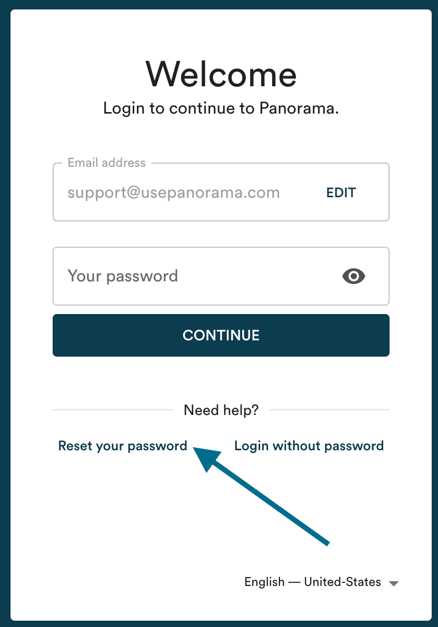
Click "Reset password" to create a new password.