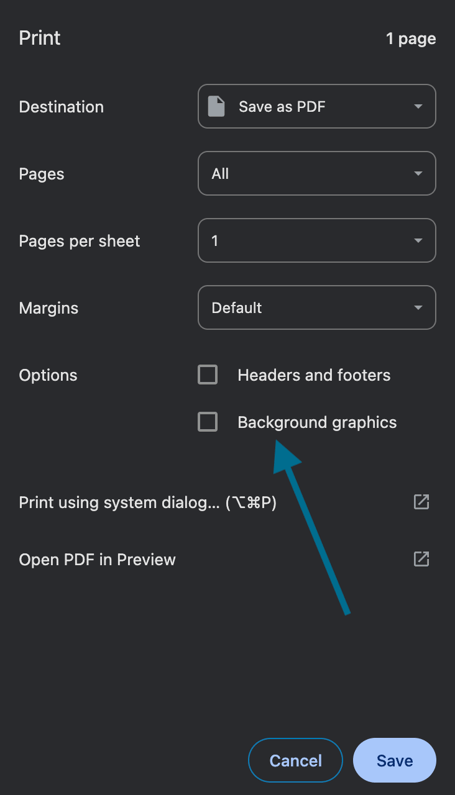
If highlighting you added to a document doesn't appear when printing, it's because your browser hides background graphics by default.
To fix this, enable the "Background graphics" option in your print settings. Your highlighting will then appear in your printed document or PDF export.