
In Panorama, you can generate resolution extracts before the minutes are officially adopted by the board.
Generating a resolution extract
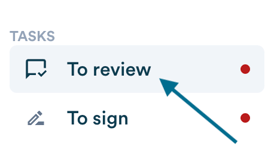
- Under "To review" in your tasks, click "Review" to open the relevant minutes.

- Find the resolution you want to extract.
- Click "Get the extract".
You can also preview the extract by clicking the eye icon, or edit the resolution by clicking the pencil icon.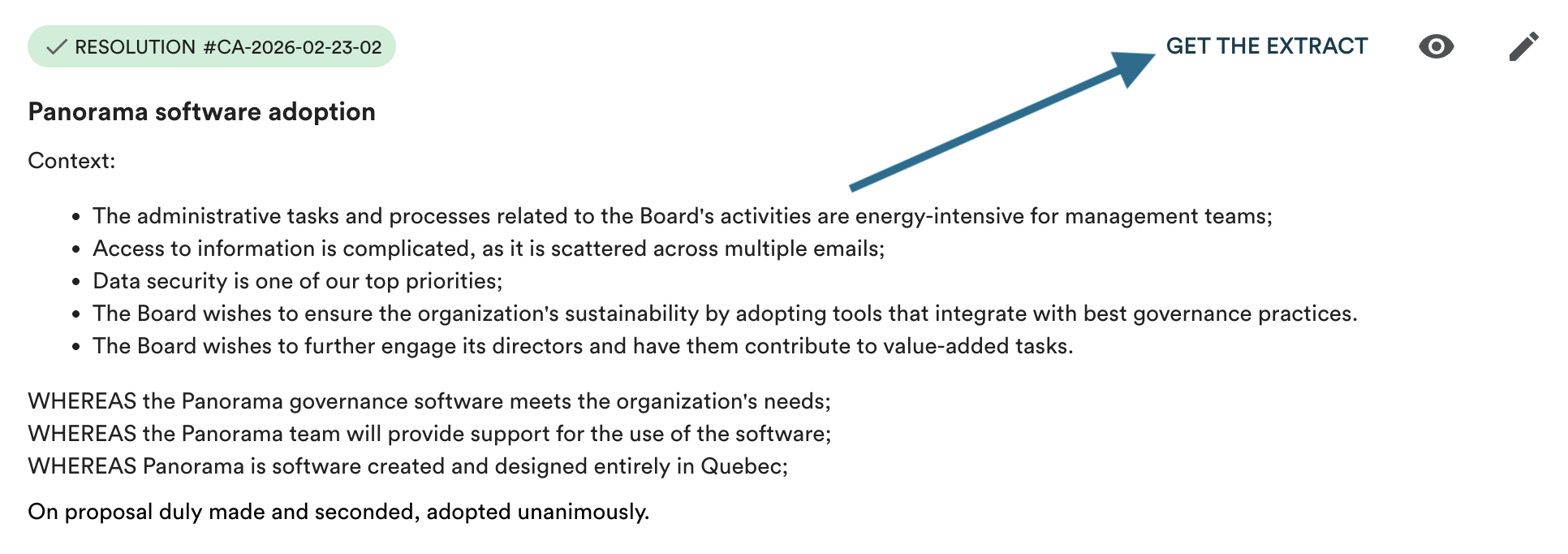
- A modal will open allowing you to draft an email to your signatories, if signatories are configured under the "Organization" tab for the group that adopted the resolution. Only account owners can modify these permissions.
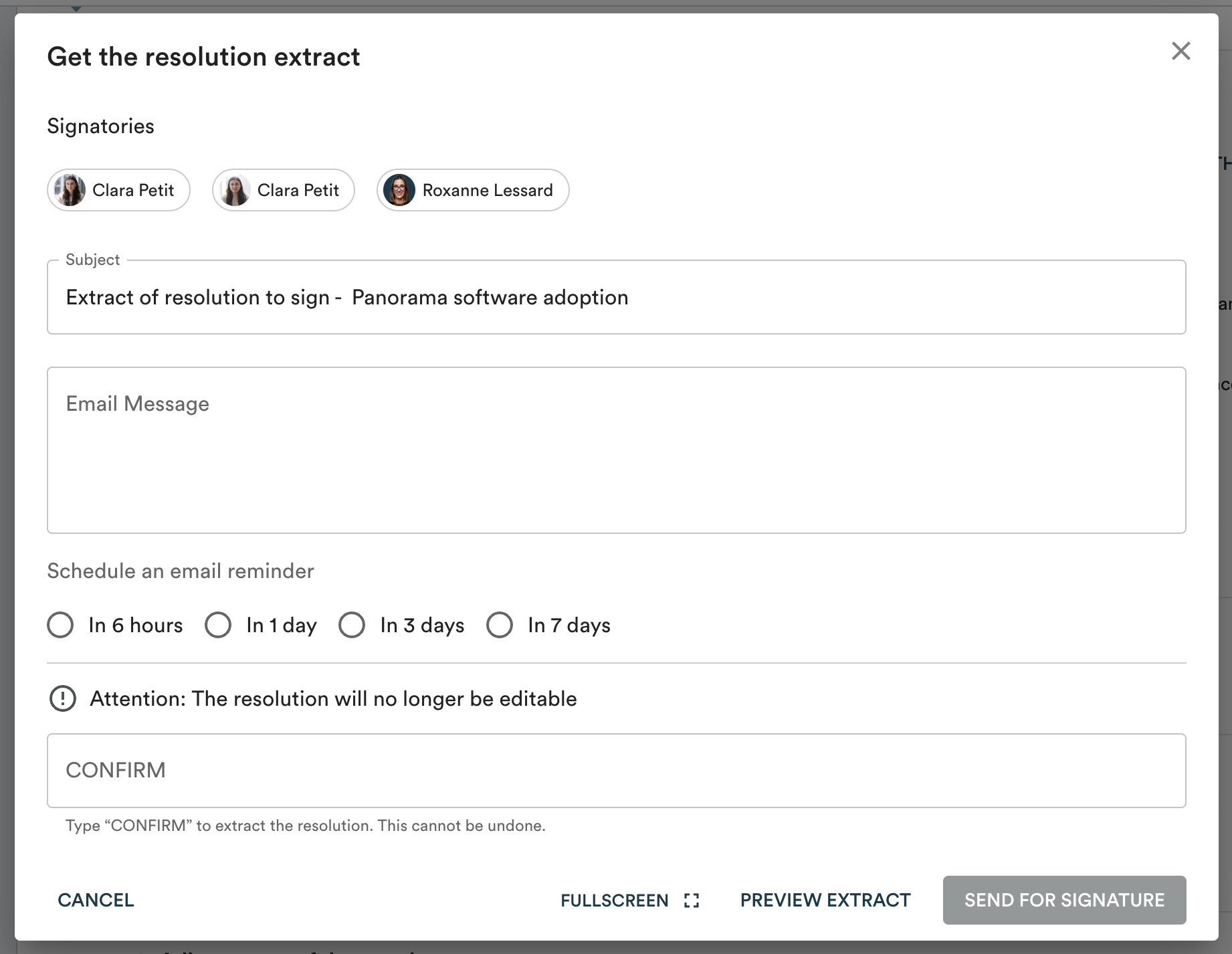
- Click "Send for signature" to send the email and seal the extract.
Important: this step is irreversible. Once the extract has been sent for signature, it can no longer be edited. Panorama will ask you to type "CONFIRM" to validate.
Once sent, your extract is available for printing. You will be notified once all required signatures have been collected.