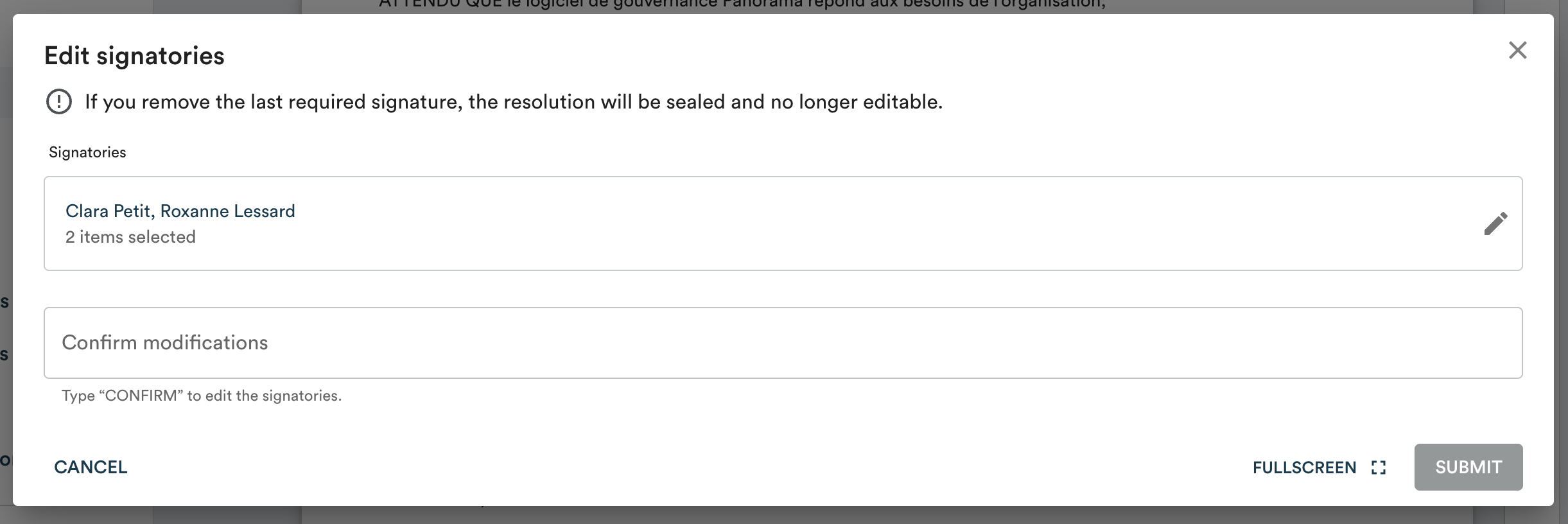
Editing signatories does not remove signatures that have already been submitted.
Important: if you remove the last signatory whose signature is still required, the resolution will automatically be sealed and can no longer be modified. Make sure you want to trigger adoption before proceeding.
- In the left menu, click "To sign".
- Open the relevant resolution.
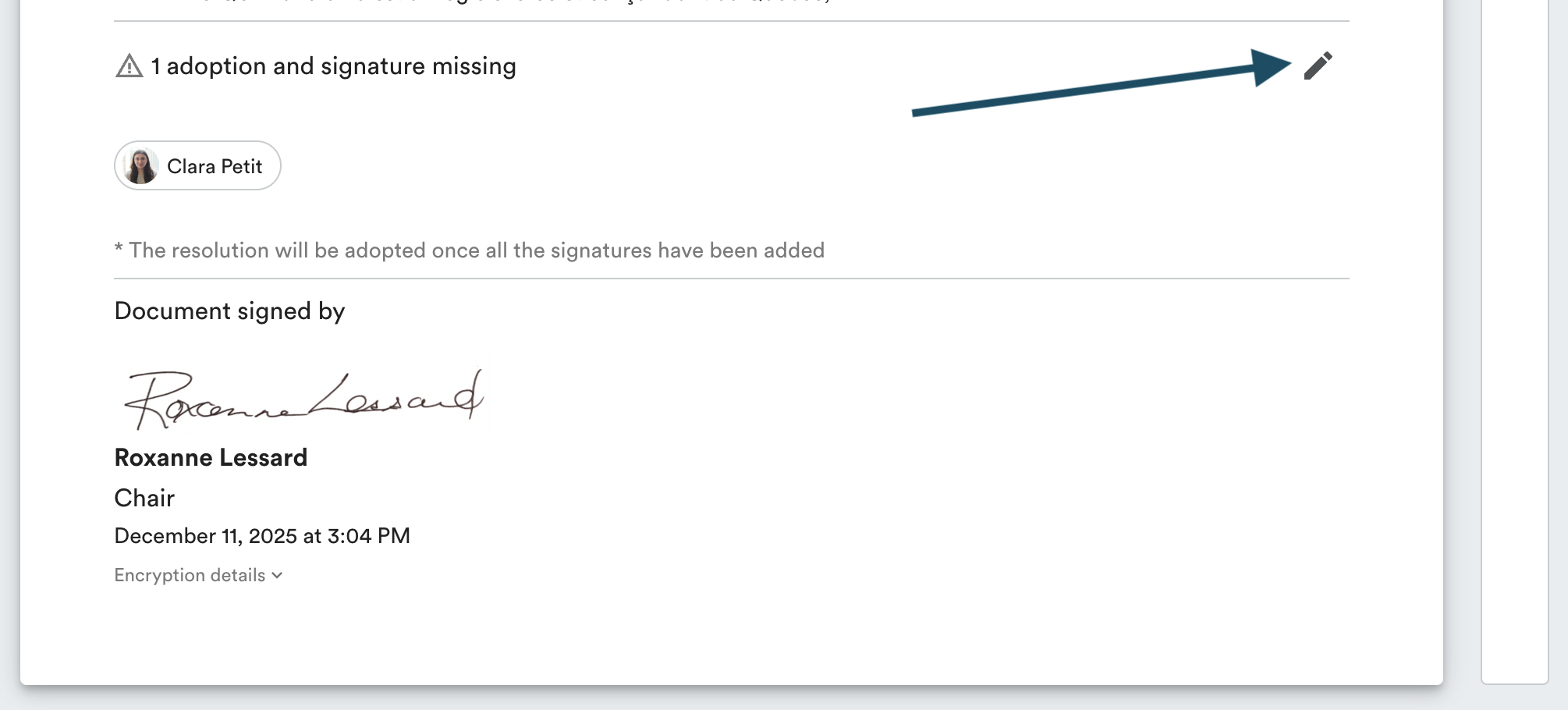
- Click the edit icon next to the "Signatories" field.
- Add or remove the desired signatories.
- Type CONFIRM in the field provided, then click "Submit".