
Your name appears in minutes, resolutions and agendas. Here is how to update it.
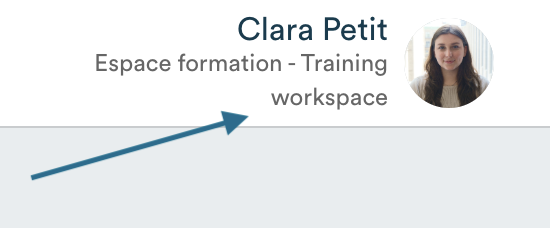
- Click on your name and organization in the top right corner of the software.
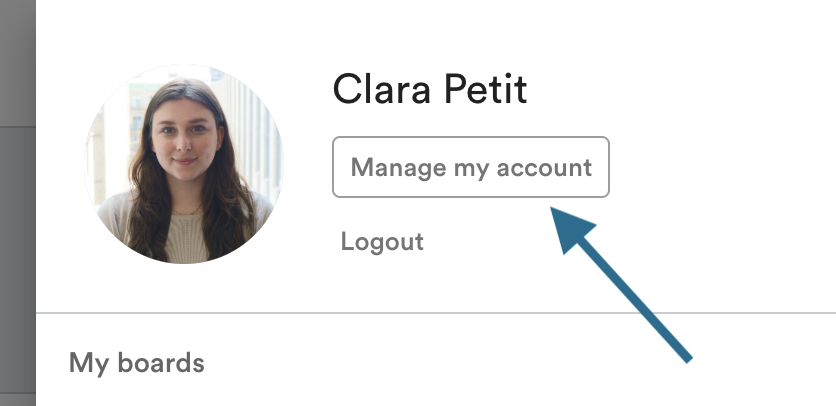
- Click on "Manage my account".
- Click on your name to edit it, then save.
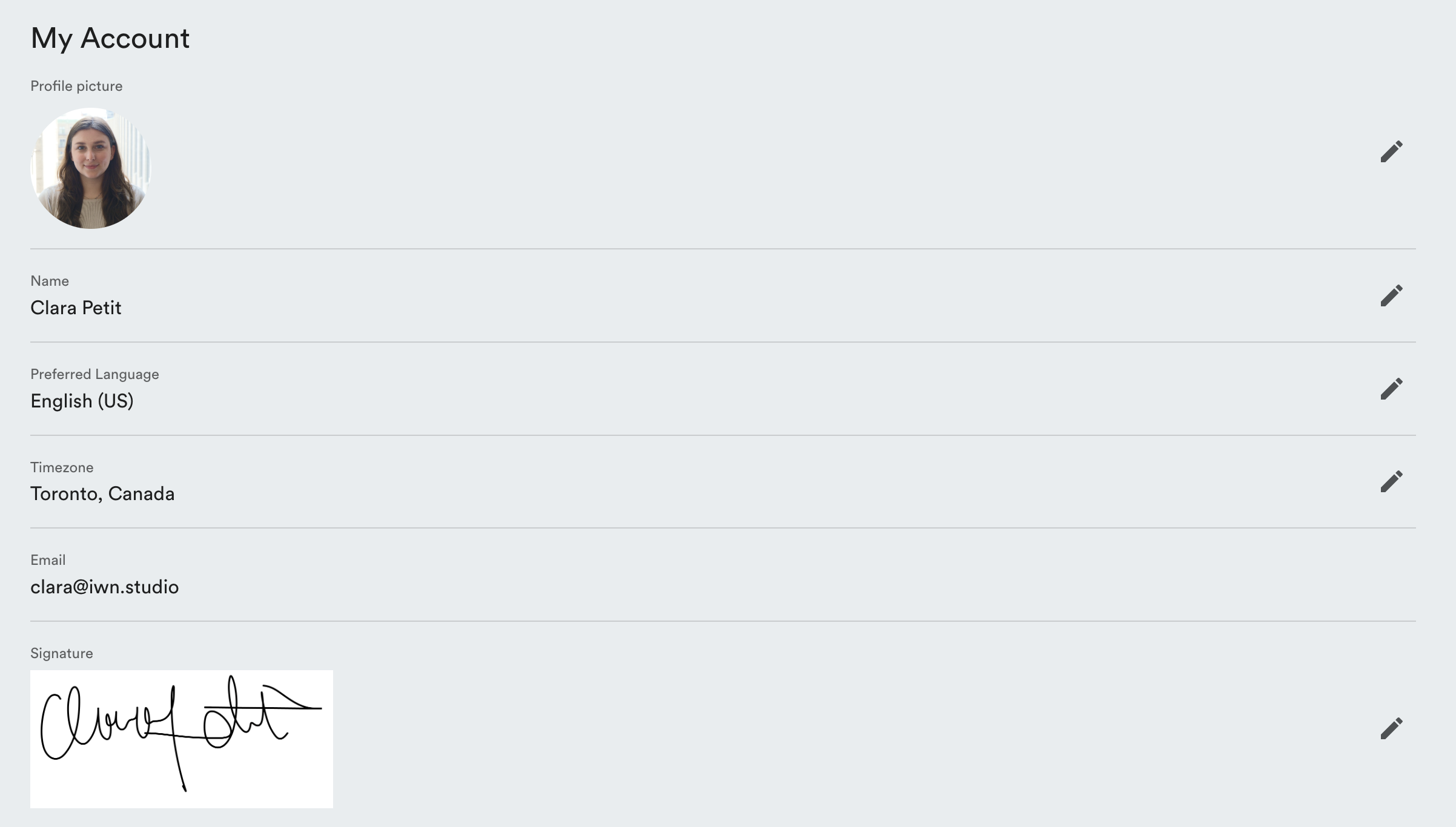
This same page also allows you to:
- add a profile picture
- change the interface language
- add a signature image