
This action is only available on drafts that have not yet been sent for adoption. Once a resolution has been sent, it can no longer be deleted — it can however be rejected.
- In the left menu, click "To review".
- Open the relevant resolution draft.
- Click "Delete draft" at the bottom left of the page.

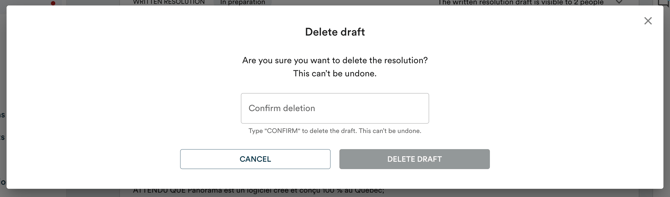
- Type CONFIRM in the field provided, then click "Delete draft".
Learn more about how to adopt a written resolution →
Learn more about how to reject a written resolution →