
Once a commitment has been fulfilled, you can complete the corresponding follow-up. A completed follow-up can then be archived to keep your active list up to date, while preserving a complete history.
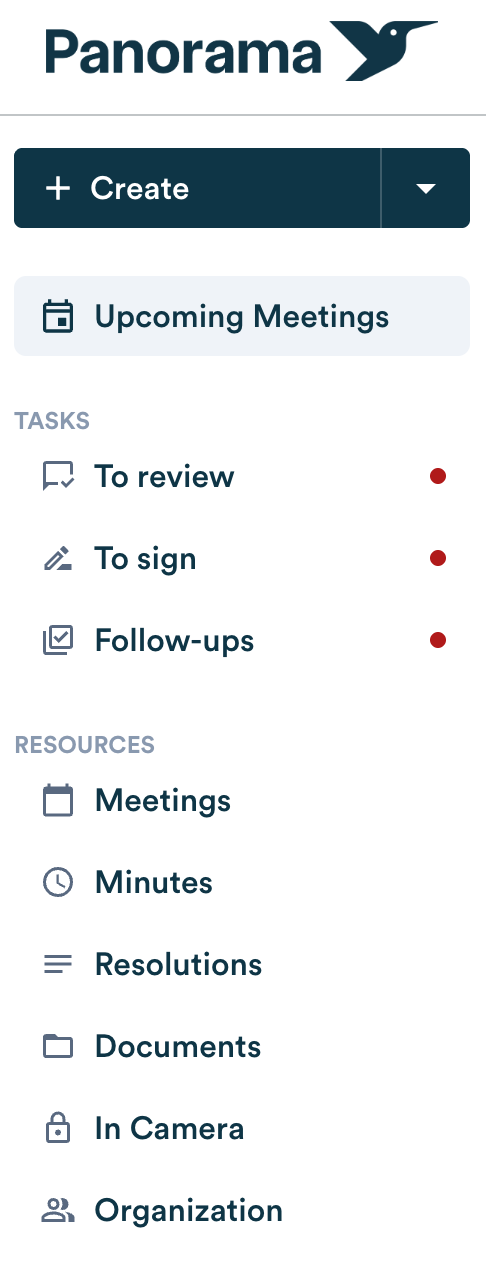
- Go to the “Follow-ups” section.
- Open the relevant follow-up from your list of follow-ups.
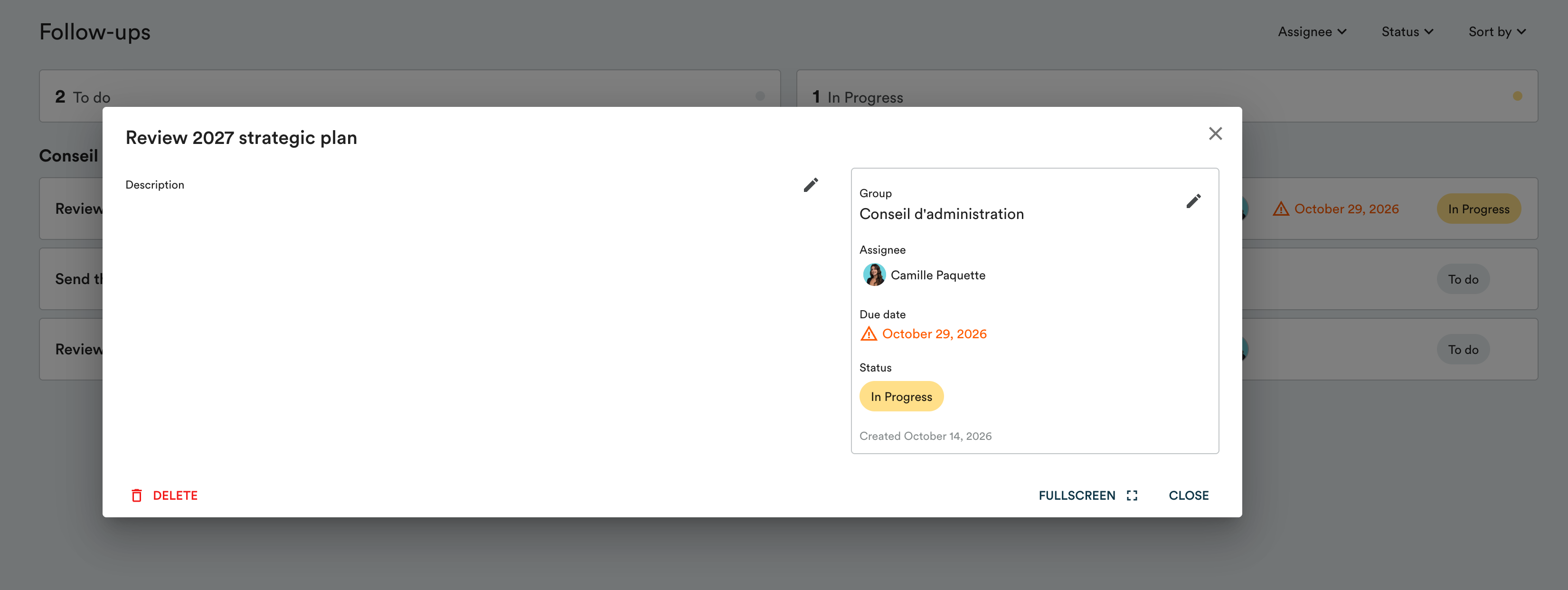
- Click the pencil icon.

- Go to the status options.
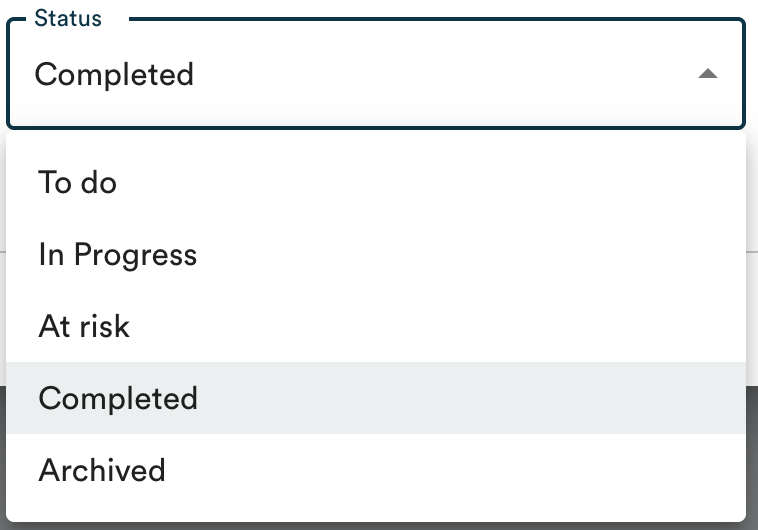
- Click “Completed”.
- Save the status change.

- If needed, click “Archived” to remove it from your active list.
An archived follow-up remains available to view at any time and can be restored if needed.
.png?width=555&height=101&name=Follow-ups_archived_side_by_side%20(1).png)
Note: a closed follow-up can no longer be edited (owner, due date, or description). To correct it, you must reopen it first.
Learn more about your centralized follow-up list →