
Only account owners can access this information.
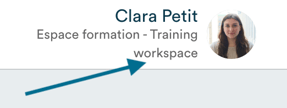
Click on your name in the top right corner of the software.
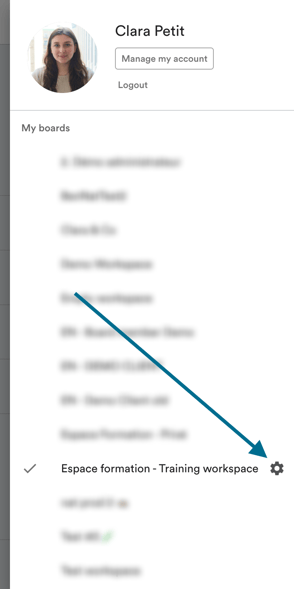
The menu displays all the Panorama workspaces you belong to. Click on the settings icon to the right of the relevant workspace.
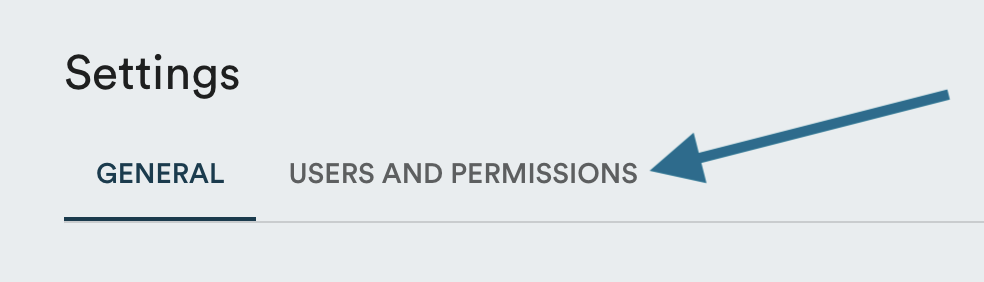
Click on "Users and permissions".
Check the "Status" column:
- "Active": the member has created their account and can log in to Panorama.
- "Pending": the member has not yet activated their access.

To resend a temporary password to a pending member, refer to the article How to resend a temporary password →