
Follow-up management lets you create, assign and track the commitments made by your board, from the minutes all the way to their completion. Before you can use it, an account owner must first activate it. Only account owners can perform this activation.
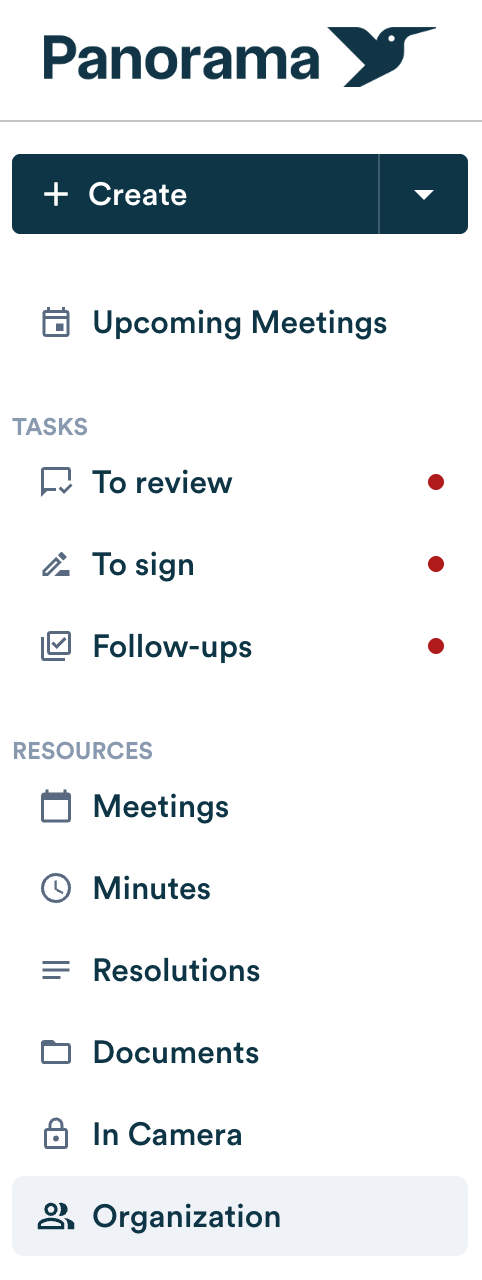
- Go to “ORGANIZATION”.
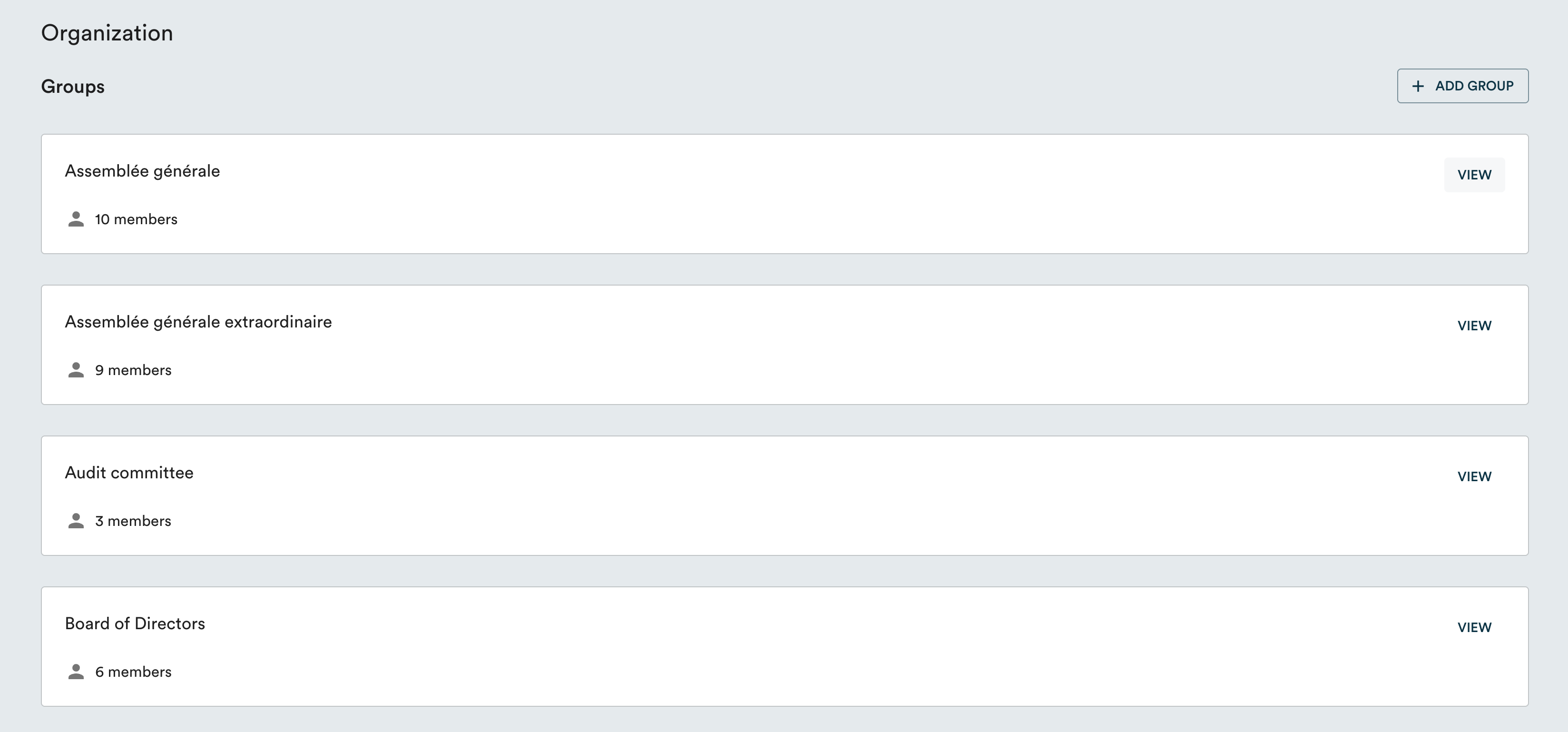
- Select the relevant group and click “VIEW”.
- Click the pencil icon to the right of your name.

- Assign the “Follow-ups” role under the creation section.

Note : during the beta period, access to follow-up management is offered at no additional cost. You'll be able to decide afterward whether to add it to your subscription.